





HelmTV

Your TV. Your provider.

A fast, remote-friendly player for the IPTV provider you already have.

Coming soon to Google Play See how it works

For Android TV and Chromecast with Google TV. Built for the remote.

Illustration of a desert canyon at golden hour on a television
Artwork from an invented demo catalog. Real screenshots will follow.

HelmTV provides no channels, movies or series. You add the provider you already have the right to use.

How it works

  1. Install HelmTVOn your Android TV or Chromecast with Google TV.
  2. Enter your provider's detailsThe name, server address, username and password your provider gave you.
  3. Pick categories and watchChoose what to show, then start watching. Nothing else to set up.

Features

  • Live TVBrowse by category and zap quickly with the remote.
  • Program guideSee what is on now and next, per channel.
  • Movies and seriesYour provider's library, with seasons and episodes.
  • SearchAcross live, movies and series. Recent searches stay on the device.
  • Favorites and continue watchingPick up where you left off.
  • Subtitles and audioChoose tracks while you watch.
  • Recovers from frozen streamsReconnects on its own and stops playing when you leave.
  • Low-latency modeOptional, for sport.

A calm, poster-first catalog

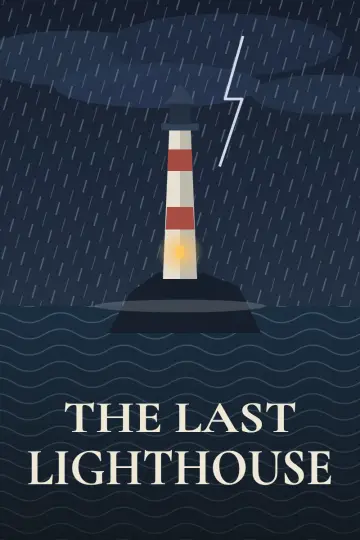
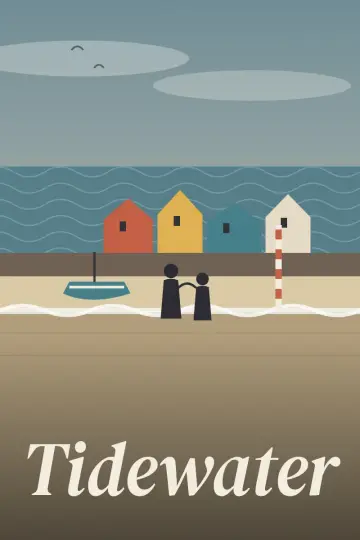
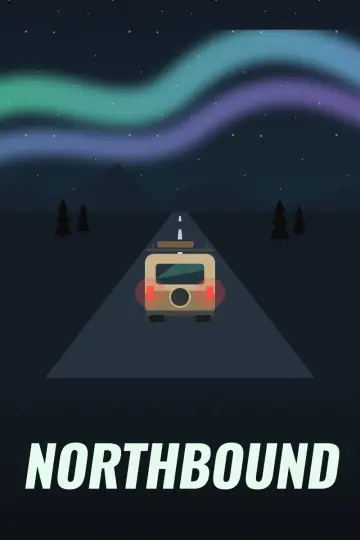
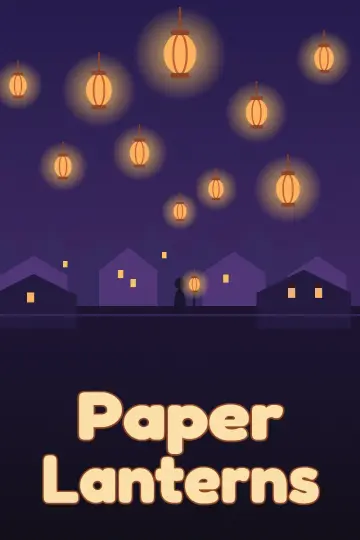
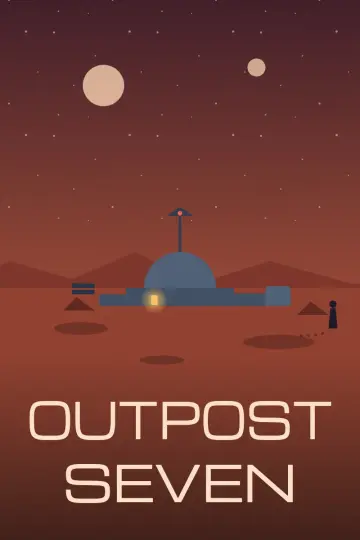
Browse movies and series as posters, live channels with their logos, and scenes in the program guide. Everything below is invented artwork from a demo catalog, made to show the look.

  • Poster of the invented title The Last Lighthouse
  • Poster of the invented title Orbit of Marigold
  • Poster of the invented title Tidewater
  • Poster of the invented title Northbound
  • Poster of the invented title Paper Lanterns
  • Poster of the invented title Wild Hearts of the Atlas
  • Poster of the invented title Glass Harbor
  • Poster of the invented title Outpost Seven
  • Logo of the invented channel Nordlys News
  • Logo of the invented channel Arena One
  • Logo of the invented channel Wildline
  • Logo of the invented channel Cinema Nova
  • Logo of the invented channel Pip Kids
  • Logo of the invented channel Pulse Music
  • Logo of the invented channel Deepblue
  • Logo of the invented channel Summit Sports
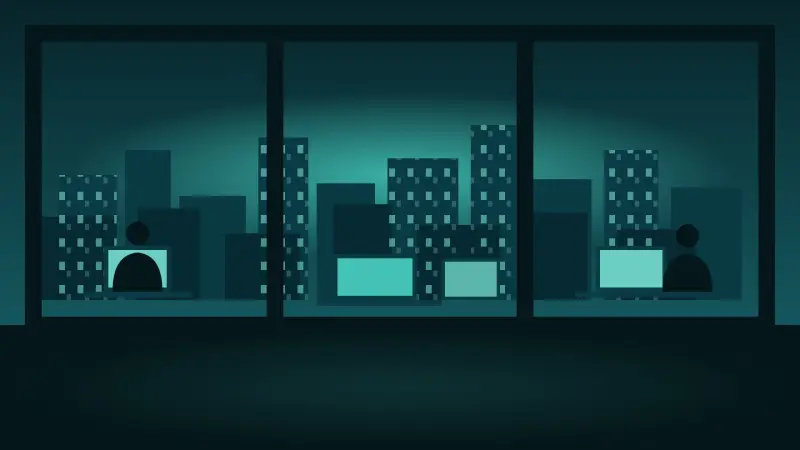
  • Illustration: A night newsroom skyline
  • Illustration: An indoor arena
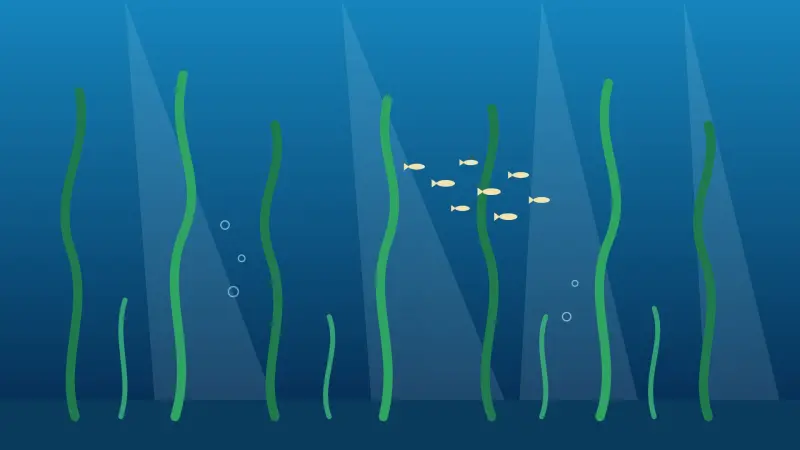
  • Illustration: A kelp forest
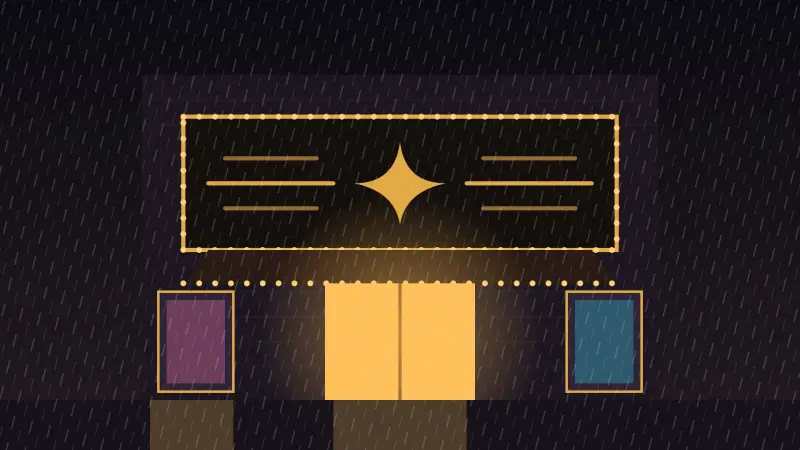
  • Illustration: A cinema marquee at night

All channels, titles and artwork on this page are fictional.

Made for the remote

Every screen works with the arrow keys, OK and Back. Move with the arrows, press OK to open or play, press Back to go up one step. Press and hold OK on an item for more choices.

No touch, no mouse, no keyboard needed.

OK

Languages

The interface follows your device language, and you can change it in Settings.

  • English
  • Svenska
  • Dansk
  • Deutsch
  • Español
  • Norsk bokmål
  • Suomi

Privacy at a glance

  • No accountHelmTV has no sign-up and no login of its own.
  • No adsNothing is sold or shown to you.
  • No analytics or trackingNothing about you is sent to the developer.
  • Stored on your deviceProvider details (encrypted), favorites, watch history and recent searches.

If you choose the optional public streams, they are fetched from a server run by the developer, which sees your IP address like any website. Read the full privacy policy.

Questions

Does HelmTV include channels, movies or series?

No. HelmTV is only a player. It provides, hosts, sells and links to no content. You add the provider you already have the right to use.

Which providers work?

Providers that offer an Xtream-compatible login: a server address, a username and a password. If your provider gave you those three things, HelmTV can use them.

Do I need an account with you?

No. There is no HelmTV account. Your provider details are stored encrypted on your device.

Does it work on Chromecast with Google TV and Fire TV?

HelmTV is built for Android TV, including Chromecast with Google TV. Fire TV is not officially supported.

Can I use it on my phone?

No. HelmTV is made for Android TV and the TV remote.

I have no provider yet. Can I still try it?

Yes. On first start choose "Use public streams" to try the app with a few free public streams. They are fetched from a server run by the developer, which sees your IP address like any website.

How do I get support?

Write to support@helmtv.app. HelmTV cannot help with your subscription or your provider's service. For those, contact your provider.

About

Version 0.1.0. HelmTV is a personal project, designed for Android TV with a remote control. It is built with open-source software, including:

  • Media3 / ExoPlayer for playback
  • Jetpack Compose, including Compose for TV, for the interface
  • Room for the local catalog database
  • Paging for long lists
  • Coil for loading images
  • OkHttp for network requests
  • Jetpack DataStore for settings
  • The Figtree typeface (SIL Open Font License)

Content and copyright

HelmTV is a media player. It does not include, host, stream, sell or link to any TV channels, movies, series or other content, and it has no built-in playlists. Everything you watch comes from a provider that you choose and that you are legally allowed to use.

Because HelmTV does not host any content, it cannot remove it. If you believe content is being distributed without permission, please contact the provider or host that serves it. Questions about the app itself go to support@helmtv.app.

Support

Questions, bug reports or privacy requests: support@helmtv.app.

Please note that HelmTV cannot help with your subscription, your channel list or your provider's service. For those, contact your provider.